AI Studio
Virtual staging and scene transformations, on demand — built for real estate.
What it does
One tap. Every transformation.
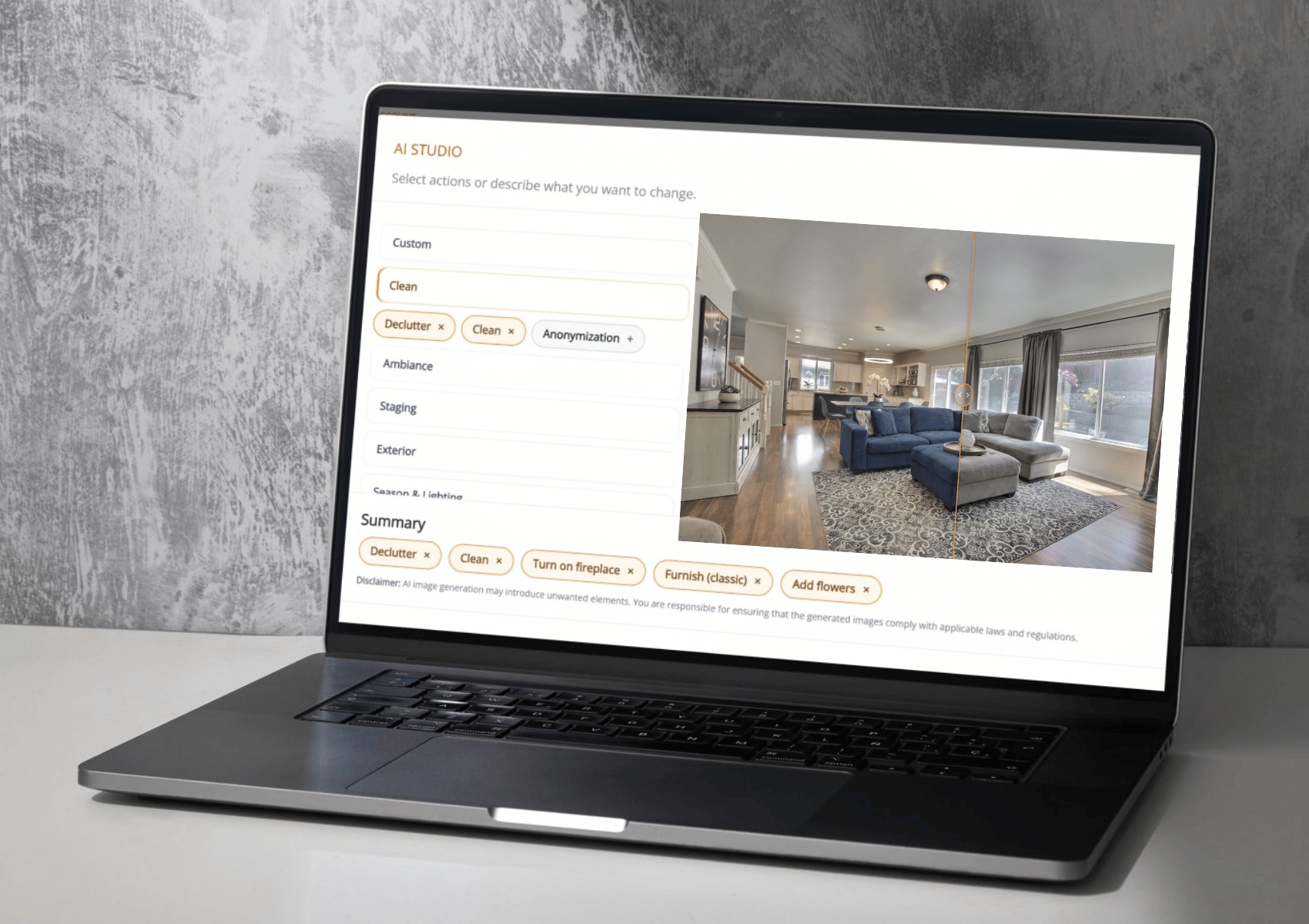
Drag any image to reveal the before and after. Architectural geometry always stays intact.
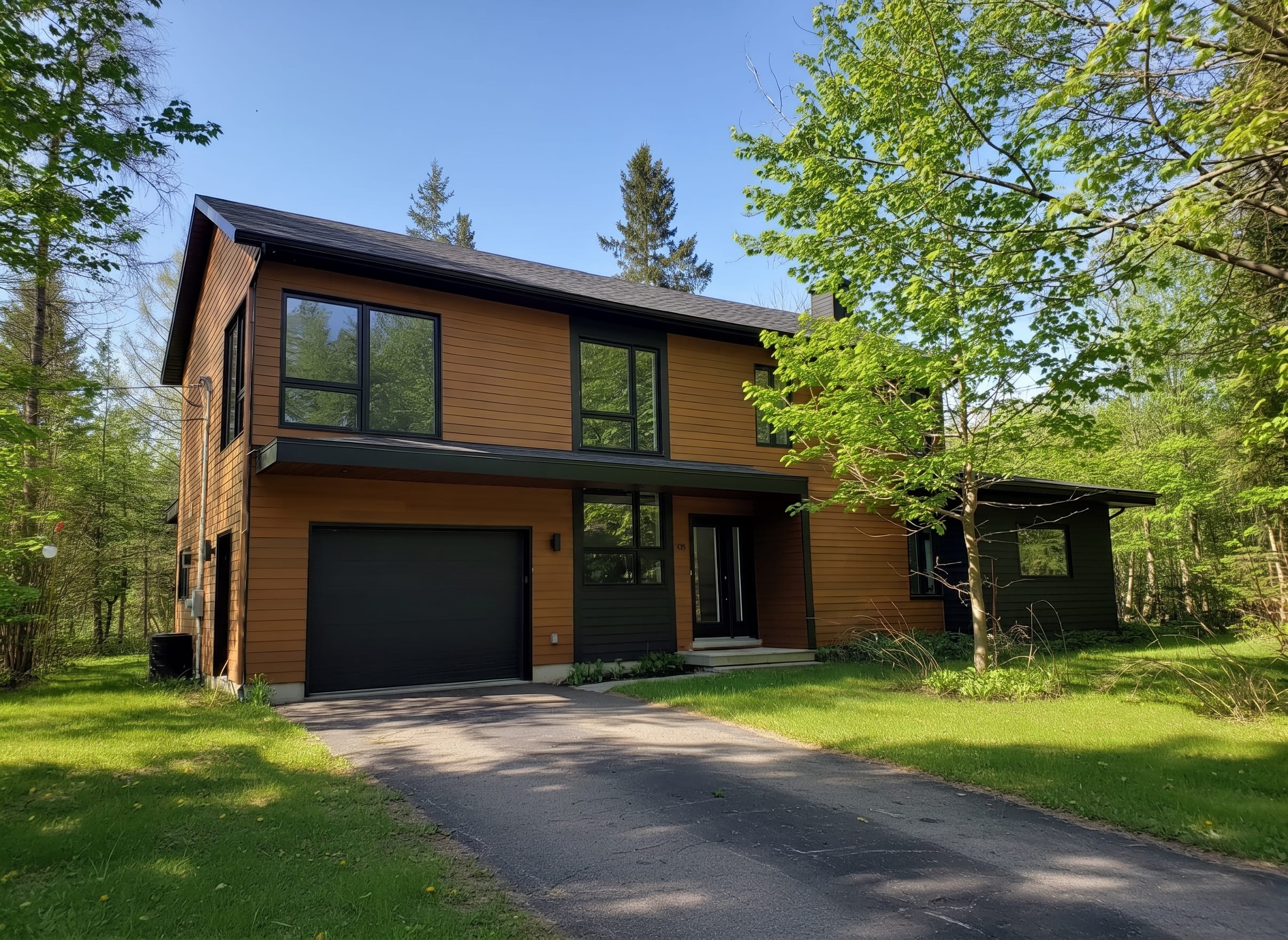
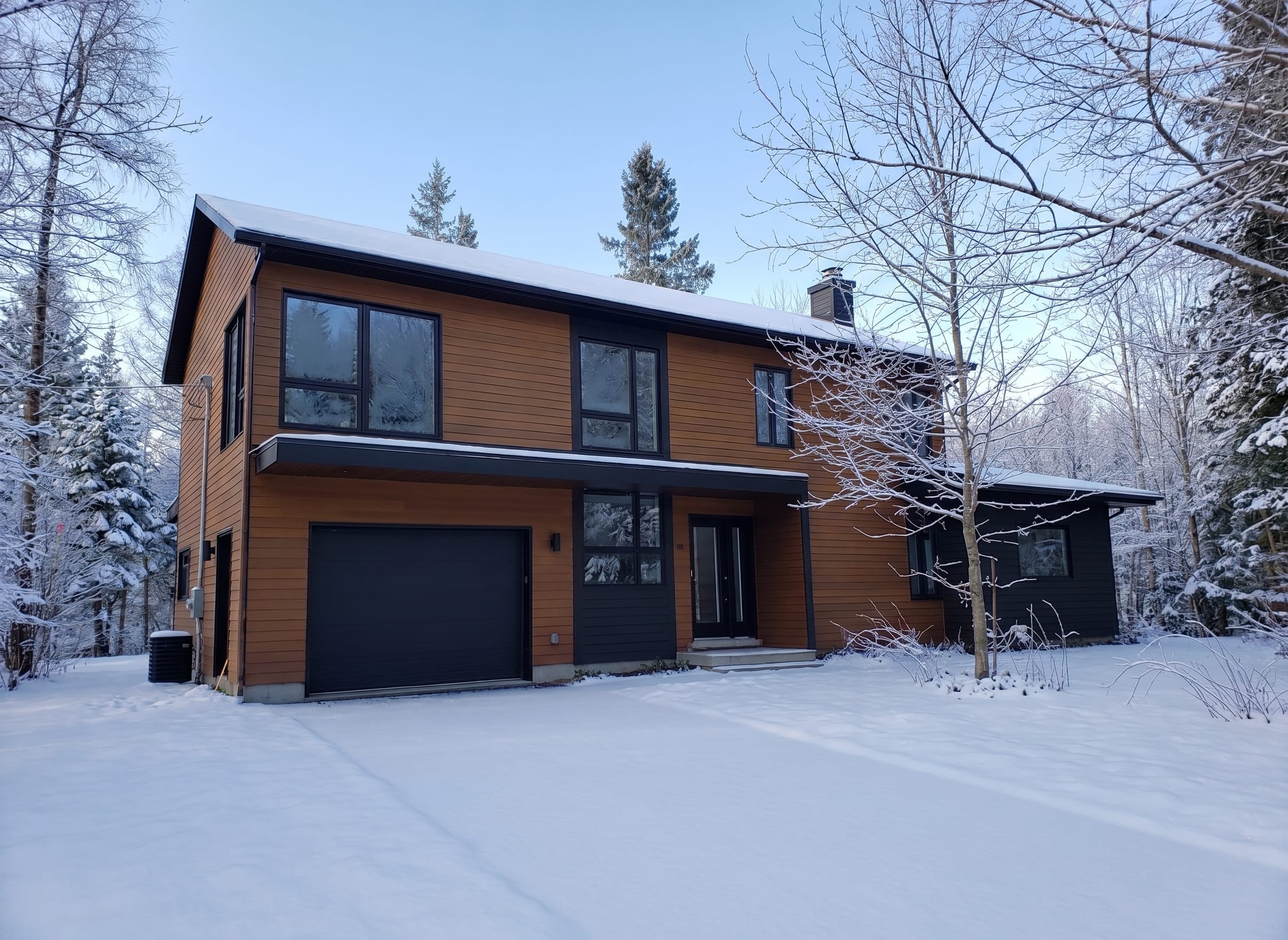
Before
After
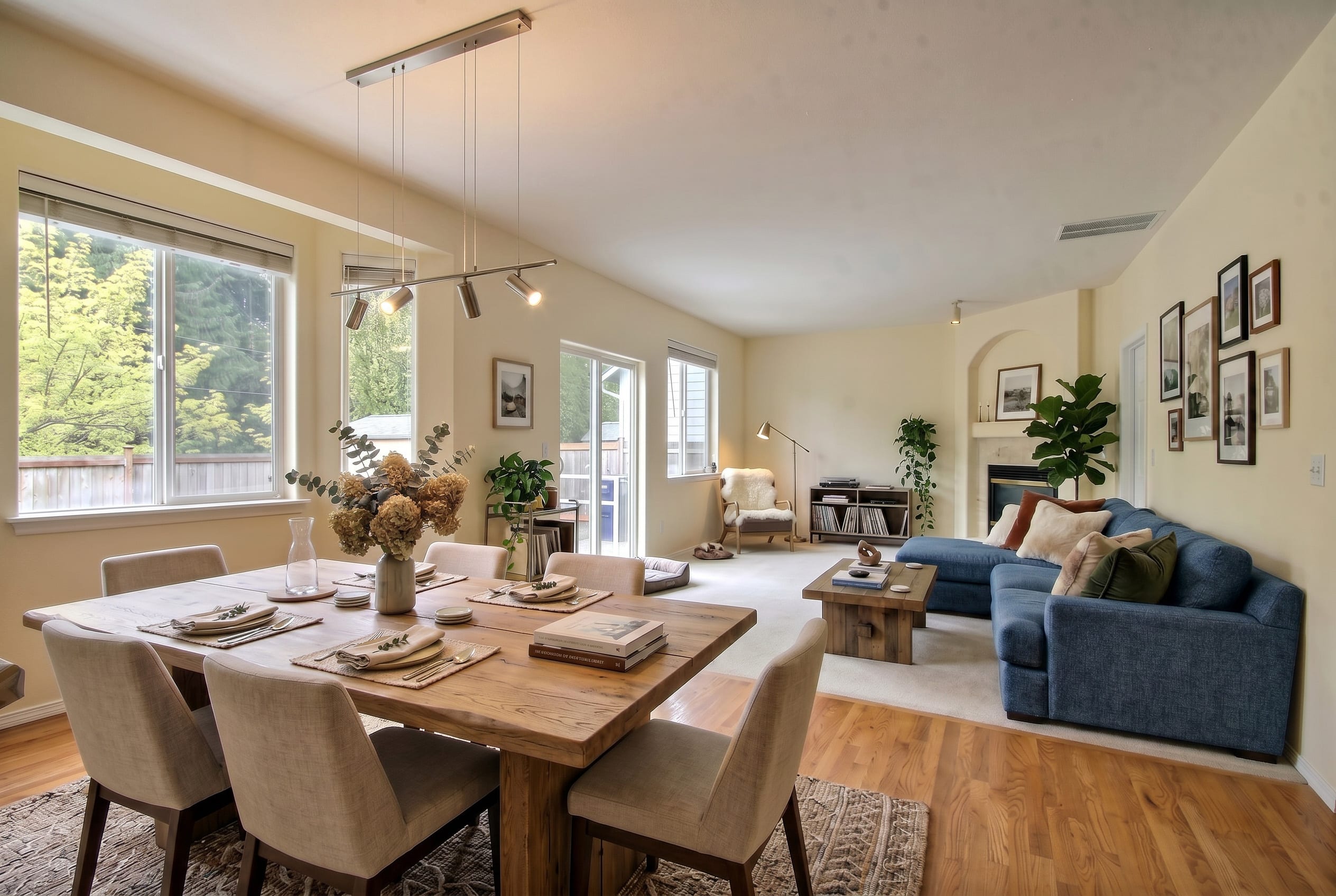
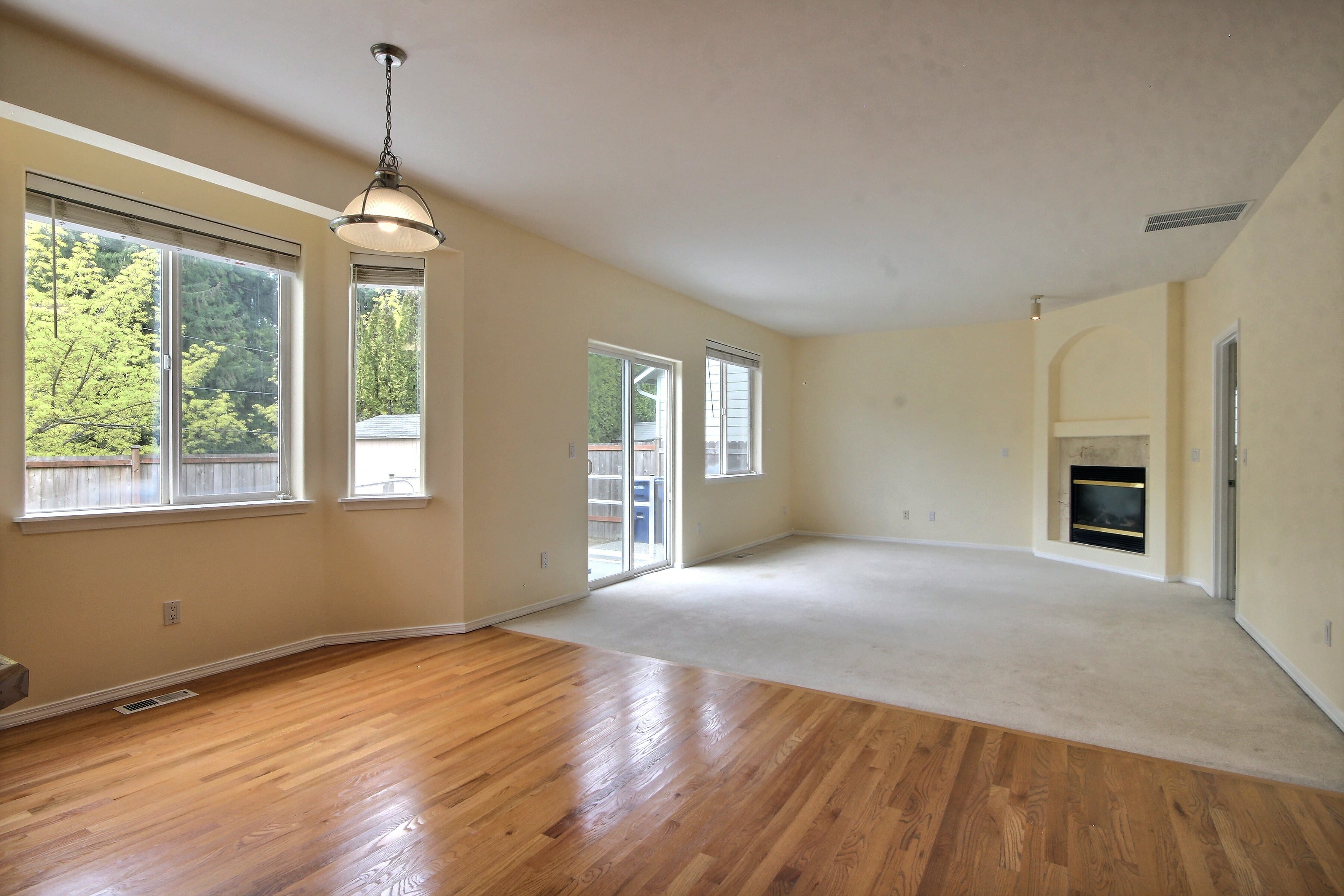
Before
After
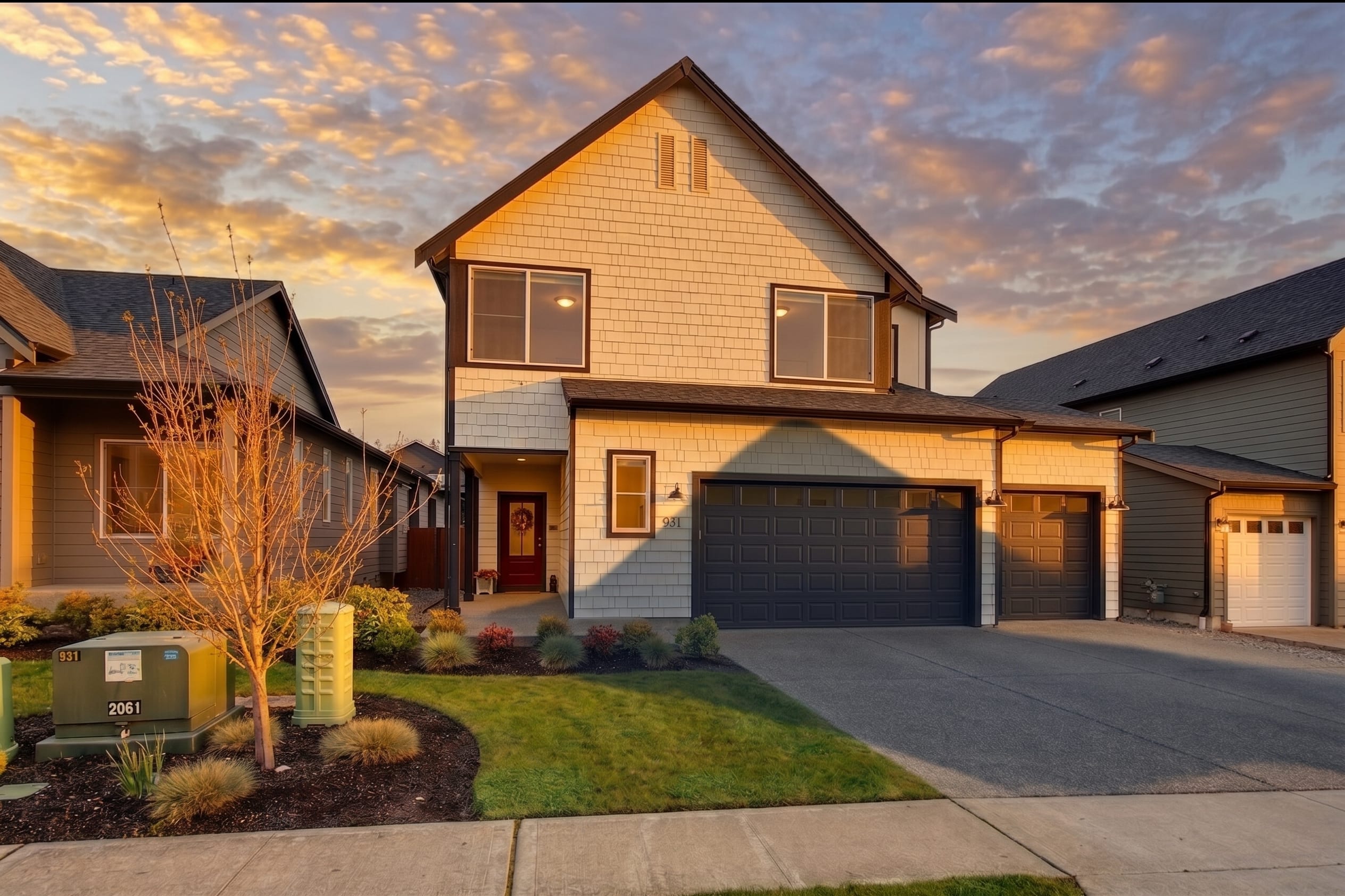
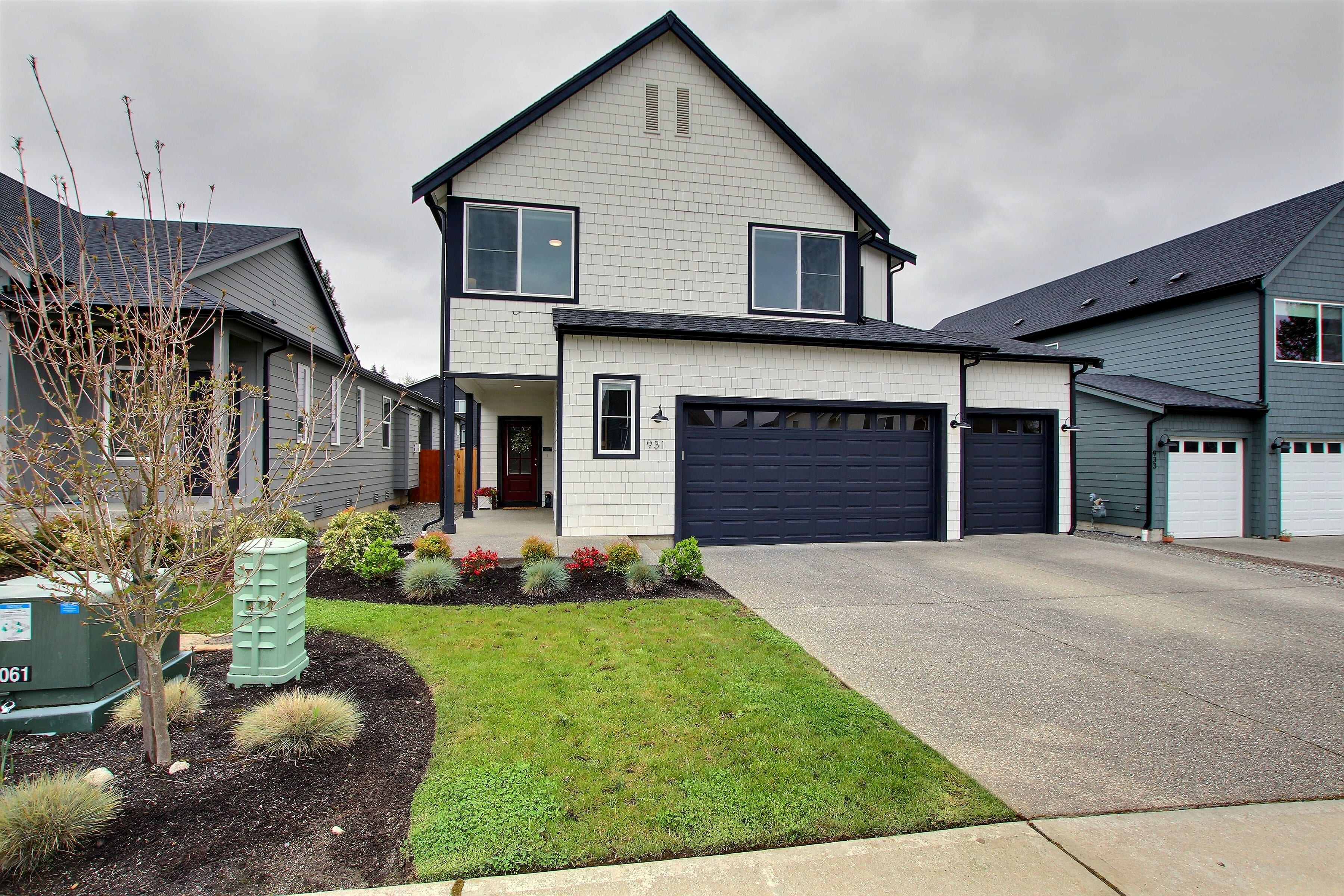
Before
After
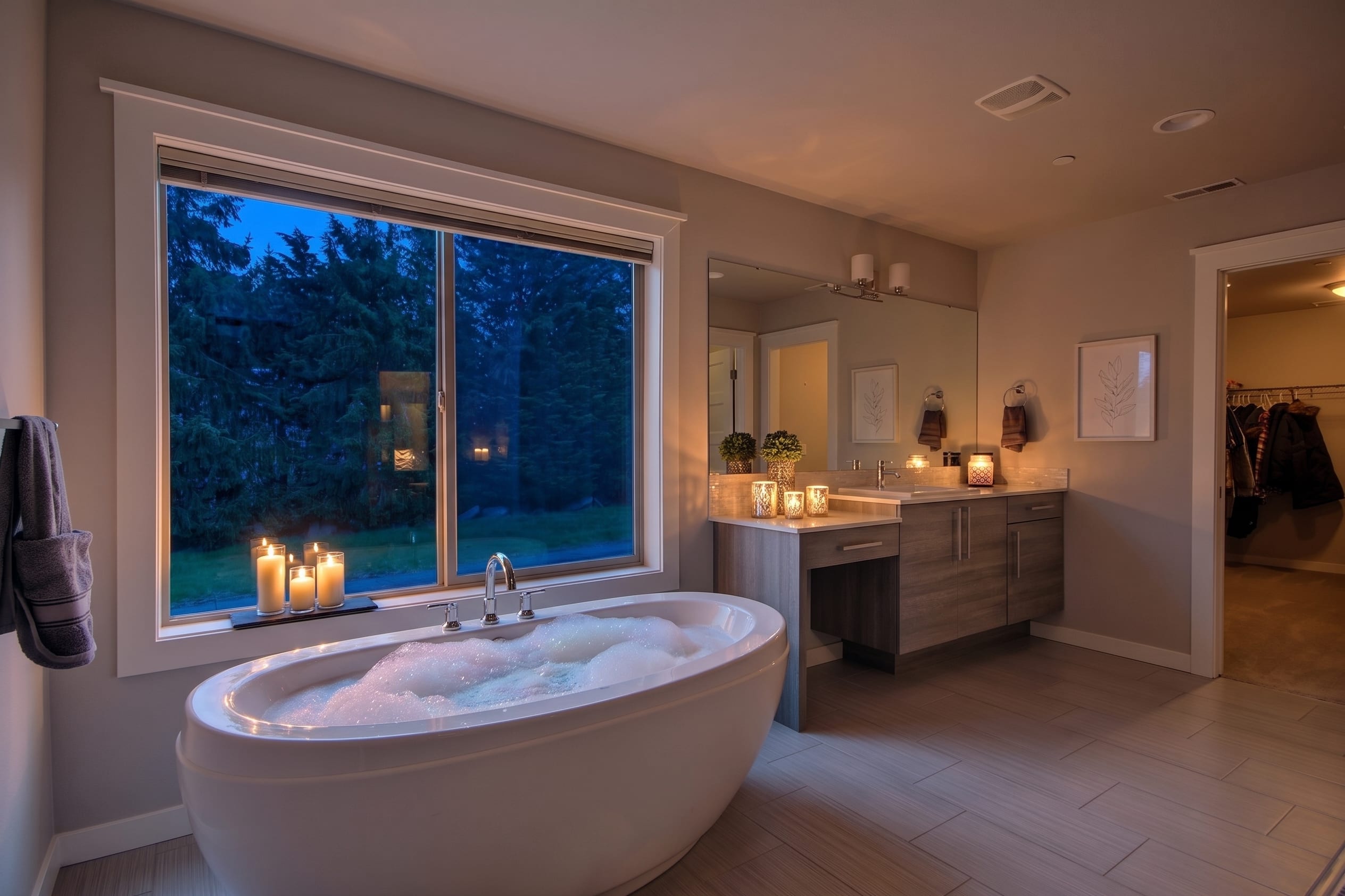
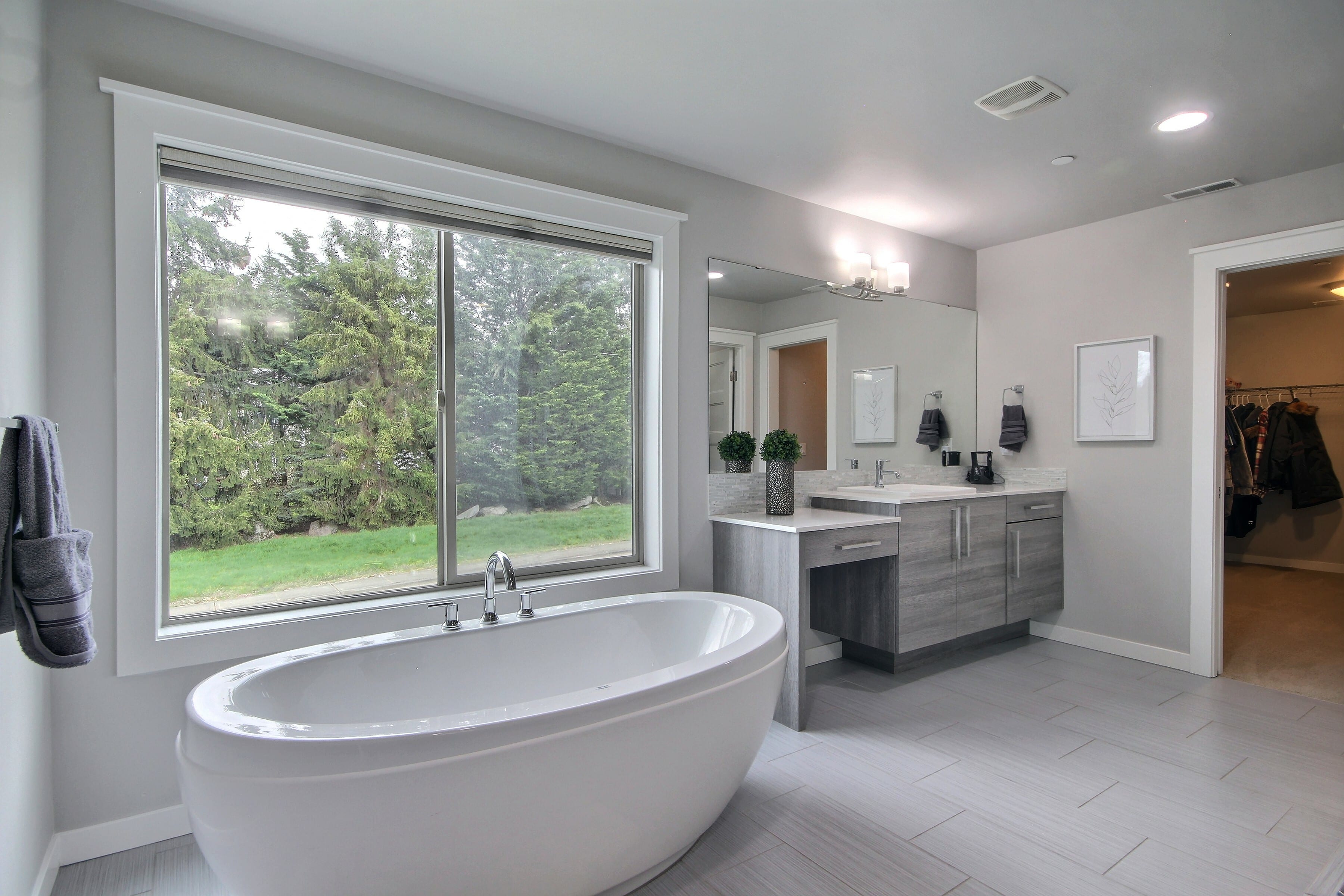
Before
After
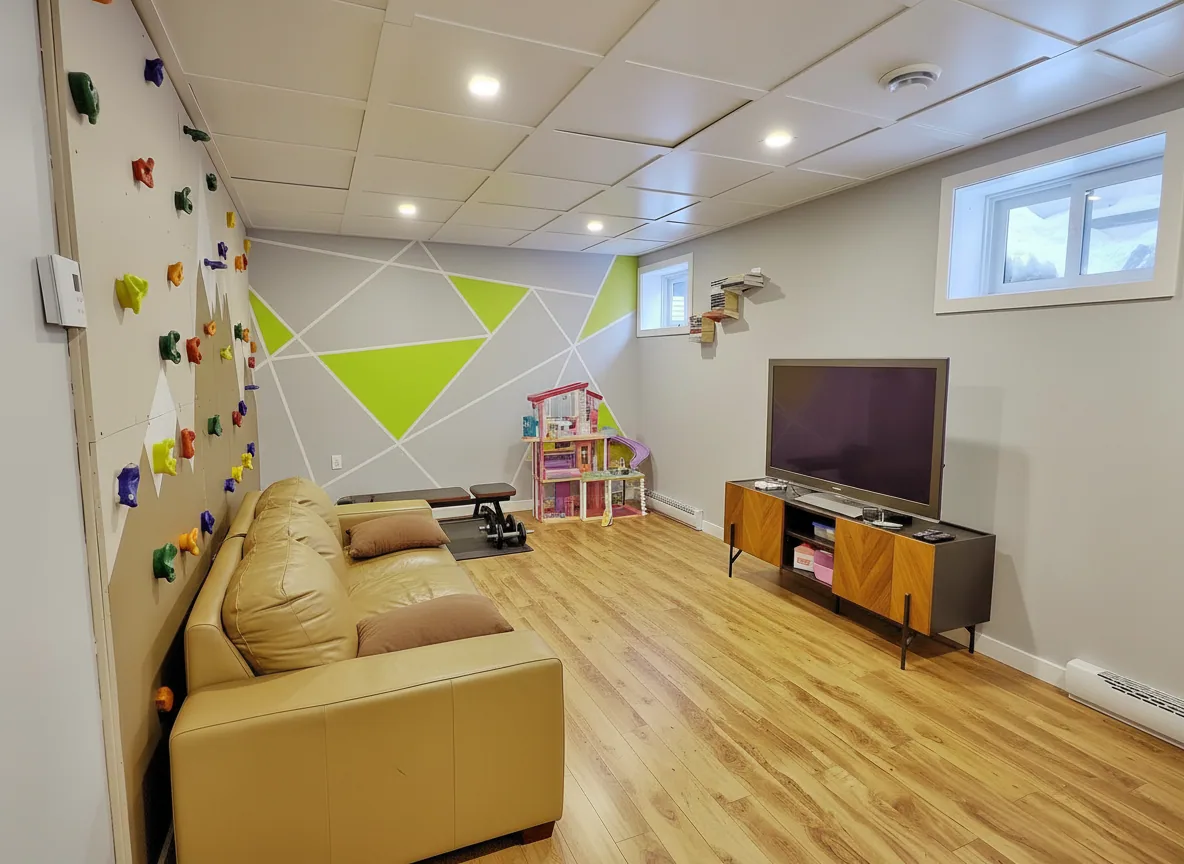
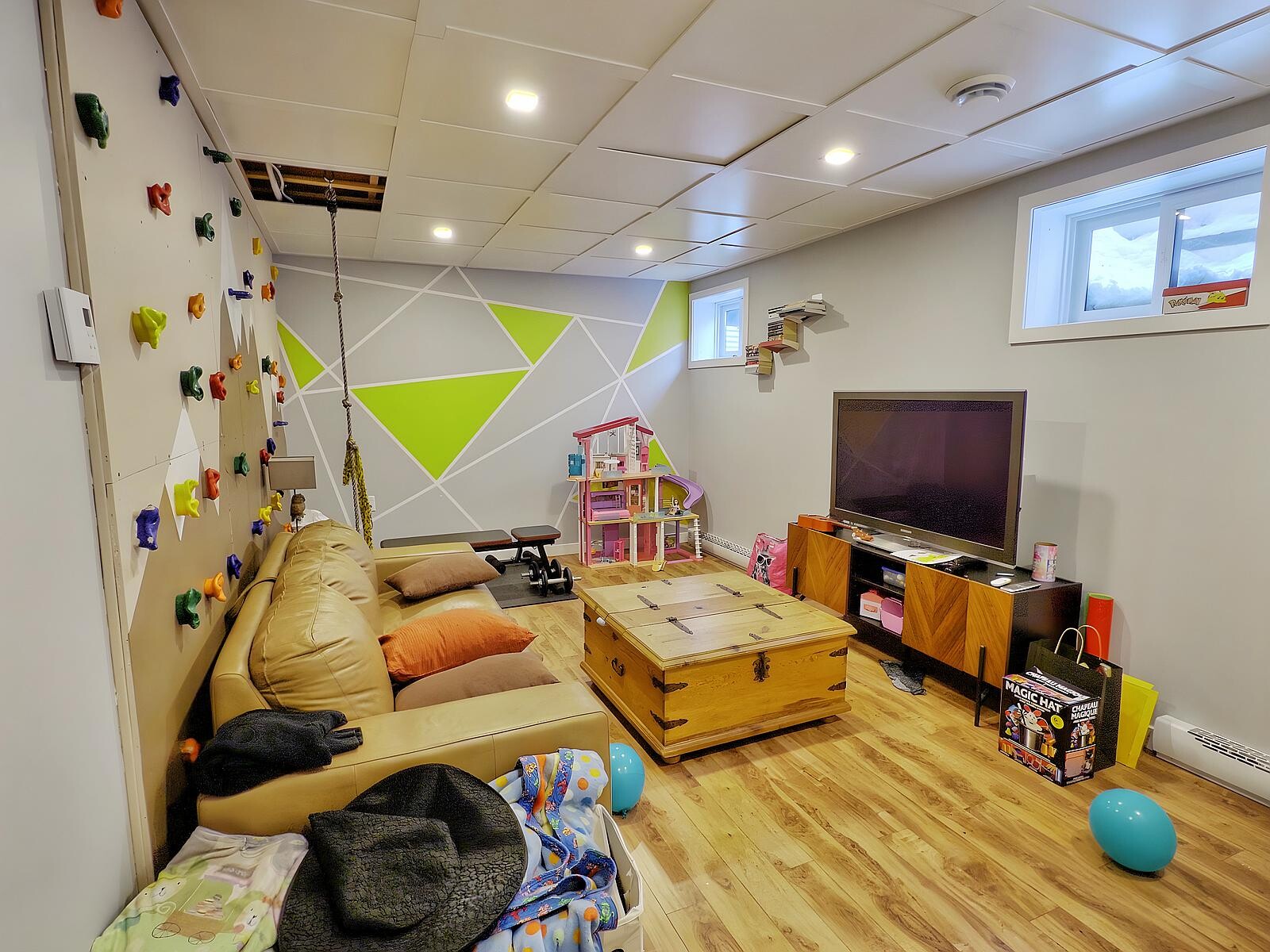
Before
After
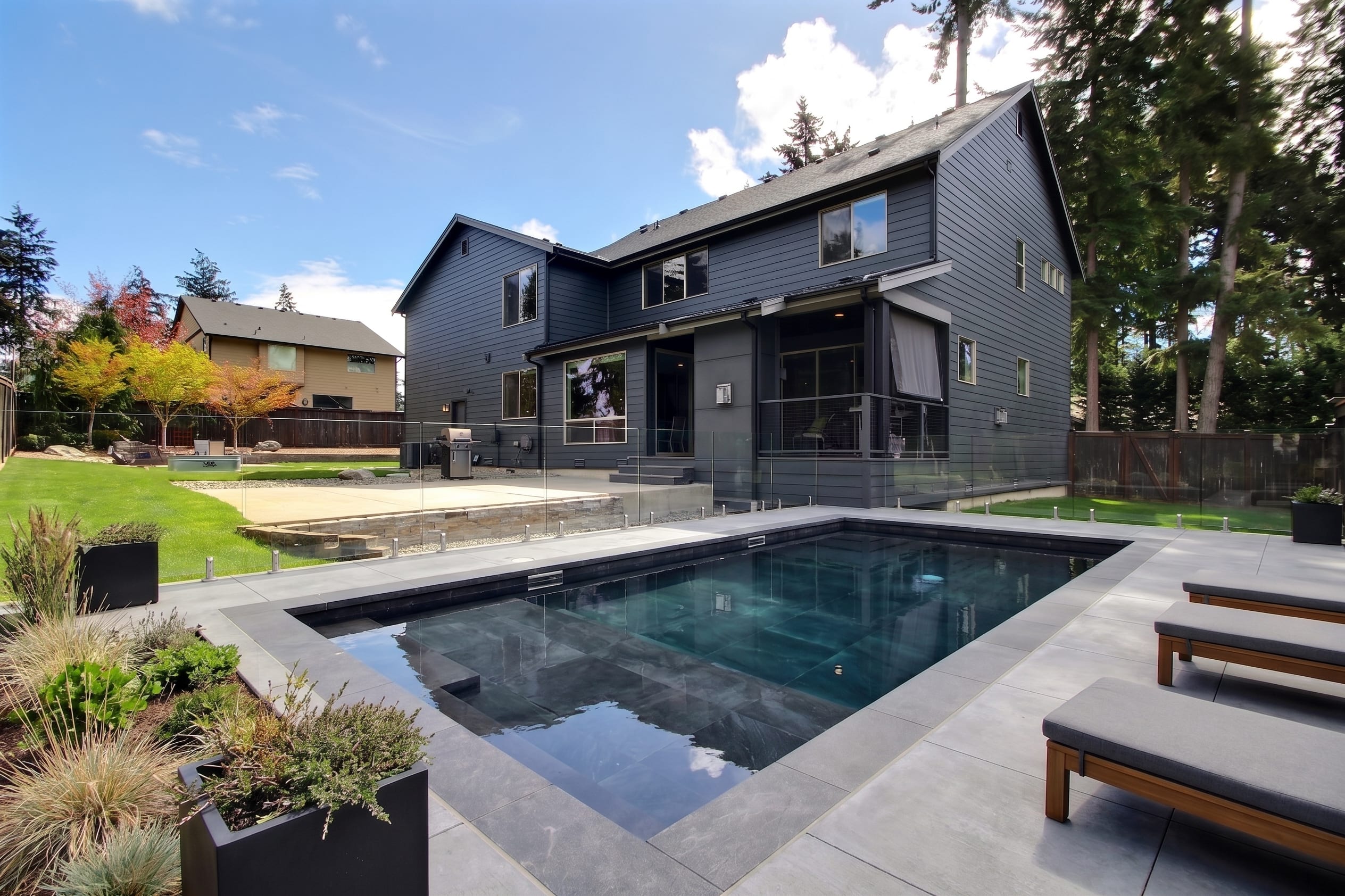
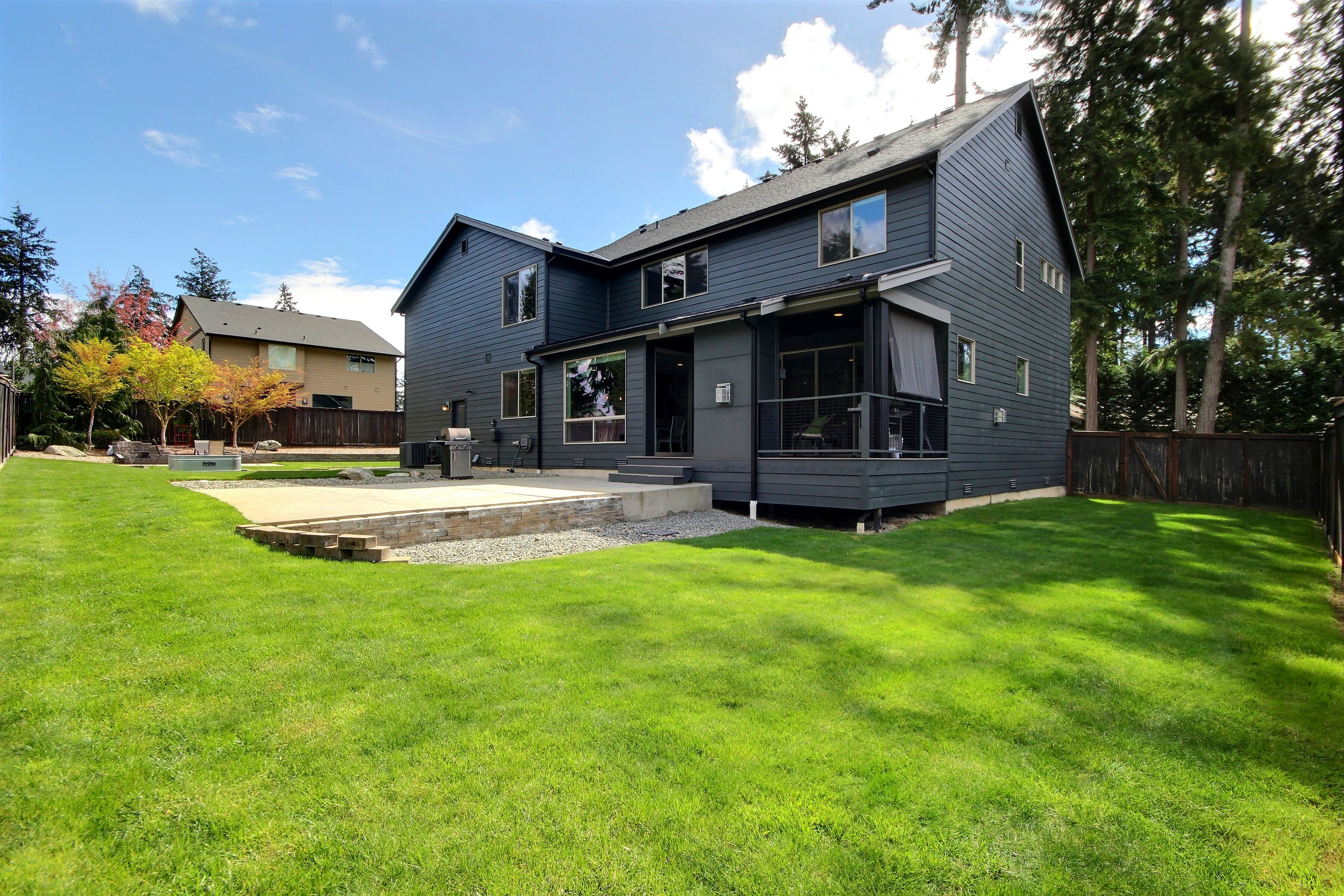
Before
After
How it works
From capture to edit, in two steps.
1
Just point and shoot
Capture the room with your phone — or pair your Canon DSLR for pro-grade optics. Exposio handles the capture.
2
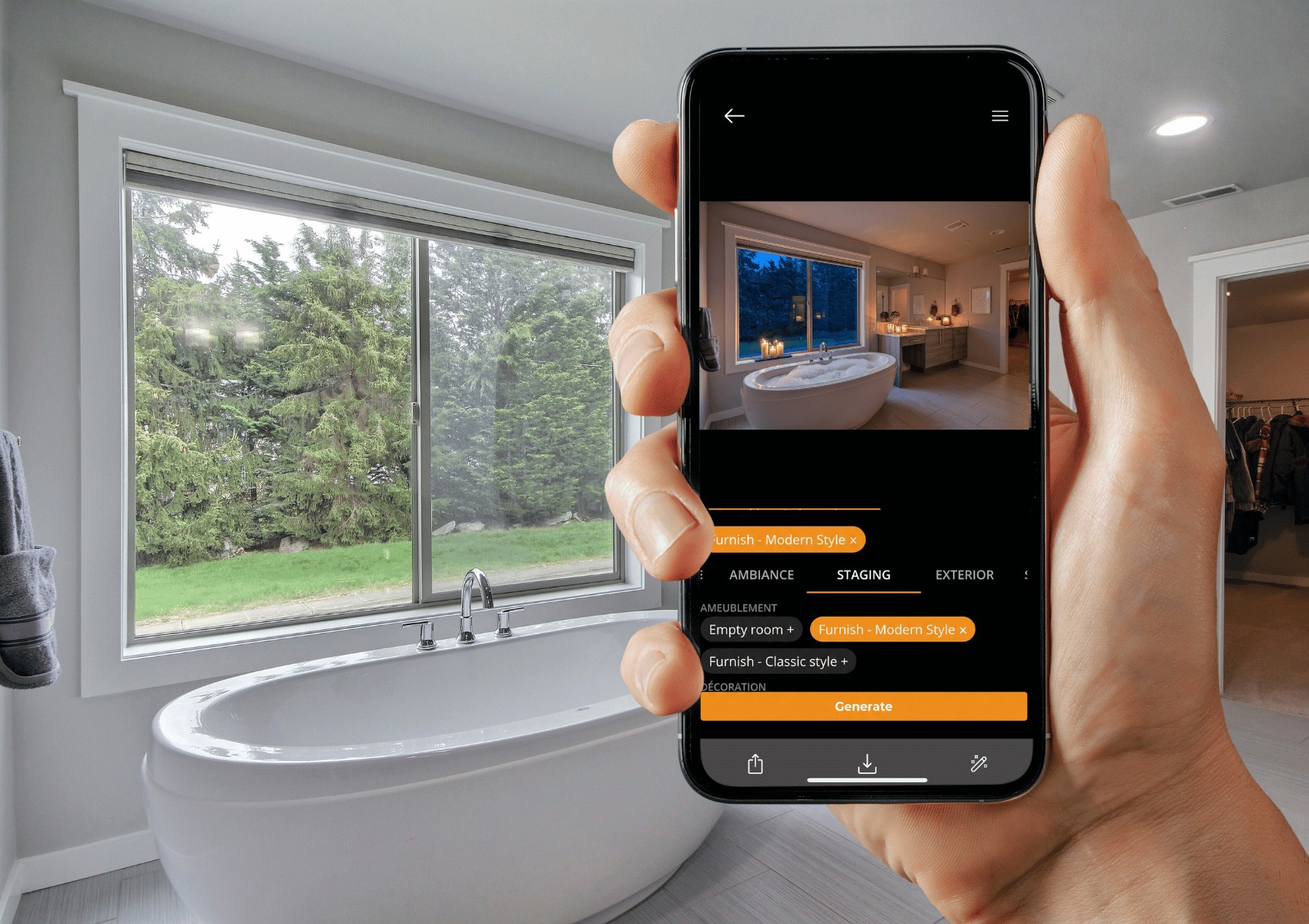
Enhance in the app or on the web
Open any photo in the Exposio app or the web interface within your account, choose a transformation, and let AI Studio do the work.